STEP BY STEPFEATURESINFORMATIVE
1 min read
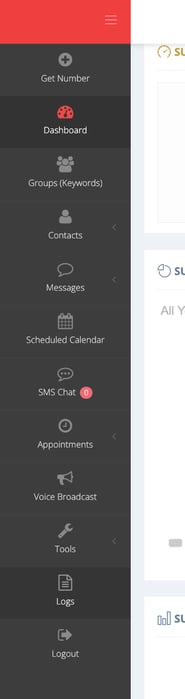
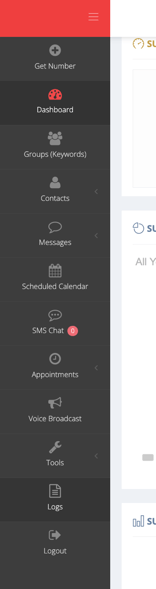
1. Go to the "Logs" sections at the bottom of the menu.
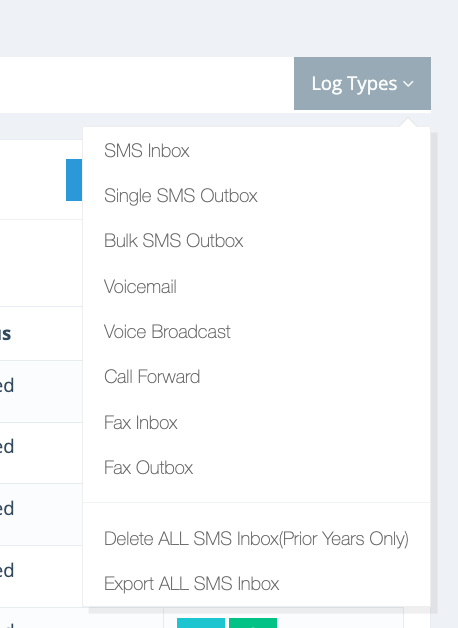
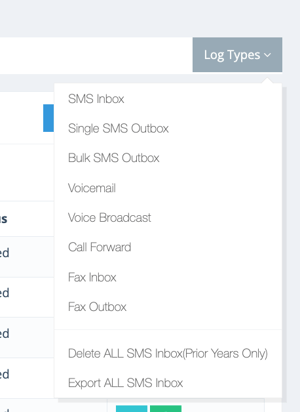
2. Go to the grey "Log Types" button on the right upper corner.
3. Click "BULK SMS OUTBOX" and then the green action button.
Copyrights @2025 FirebirdSMS.